Glossary Signup and list hygiene
Spam trap: What a hit tells you about your list sources
A spam trap is an email address used by a mailbox provider or anti-spam organisation to detect problematic list sources or poor list maintenance.

On this page
On this page
A club plans to import 1,000 addresses from an old spreadsheet. Some entries lack source records, and others were already suppressed. Before deciding whether to import them, the club can separate the groups using the evidence it has.
Check address sources and distinguish warning signs
A hit can indicate that a list contains addresses from unsuitable sources or has gone too long without reliable maintenance. Operators use addresses that never signed up for newsletters and addresses that once belonged to real mailboxes and were later repurposed. Some traps reflect common domain typos. One hit does not explain every delivery problem.
An old spreadsheet can mix addresses from very different sources even when the rows look alike. For this club import, the signup form, original list and recorded unsubscribes are the strongest starting points. Check the origins of whole groups first. Technical checks on individual addresses cannot establish where they came from.
Three possible clues about list sources
- Never signed upCheck acquisitionCheck how the entries reached the list.
- Previously used mailboxCheck list maintenanceReview old imports and how delivery failures were handled.
- Domain typoCheck data entryCheck data entry and confirmation in the signup process.
A bounce reports a delivery failure. A complaint occurs when someone reports a message as spam. A spam-trap hit can occur without either event. Review evidence from different sources separately. Low bounce and complaint counts do not establish where old addresses came from.
Interpret spam complaint rates
Review the old import before sending
The club checks the spreadsheet against signup records and existing suppressions. For addresses with a traceable signup, it checks that the signup covers the planned newsletter. Entries with an unclear source stay off the sending list while the source is investigated. Suppressed or unsubscribed addresses stay excluded when systems change. Technical deliverability on its own does not establish where an address came from or whether its owner signed up.
Record which columns support the classification. For the autumn programme, a timestamped confirmation tied to the form may identify the right list. If a column merely says “legacy contacts” and there is no further evidence, keep the group on hold. Switching newsletter software does not change that finding.
Review the 1,000 entries before importing
- Source documentedMatch the signupCheck whether the signup covers this newsletter.
- Source unclearHold the groupResolve where the entries came from before sending.
- Unsubscribed or suppressedKeep the exclusionPreserve existing suppressions during migration.
If a provider reports possible spam-trap hits, pause the affected group and review how it was imported. Compare form records, earlier lists and how unsubscribes were handled. Once you find the issue, correct the process that brought those entries into the list. For the next regular send to addresses with a traceable signup, monitor any change in bounces, complaints or delivery alerts.
Spamhaus on investigating spam-trap hits
Check list hygiene and suppressions in mailfino
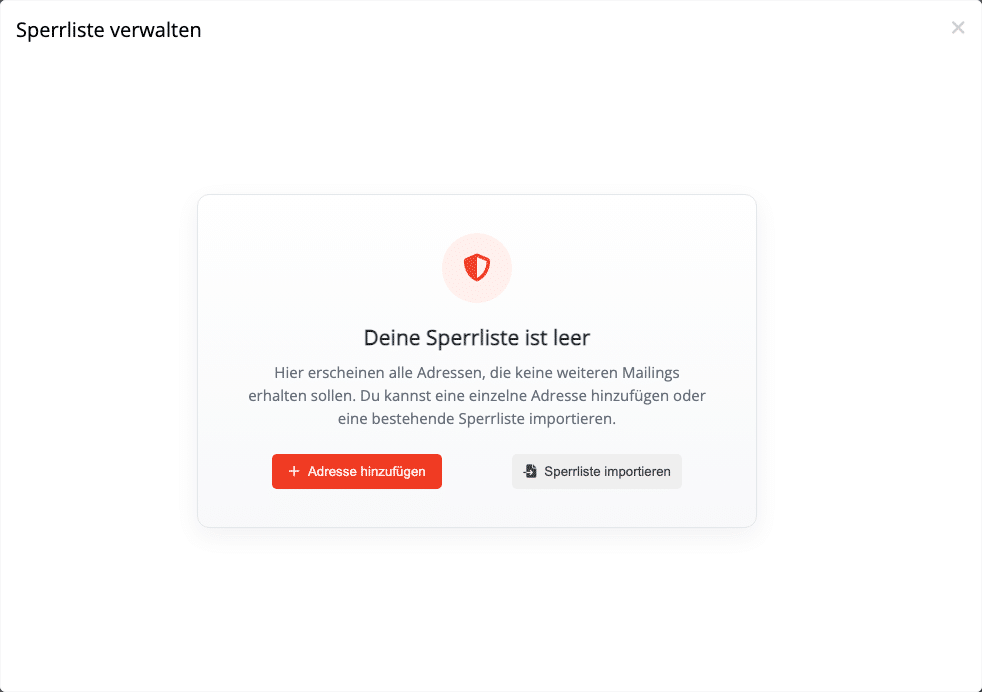
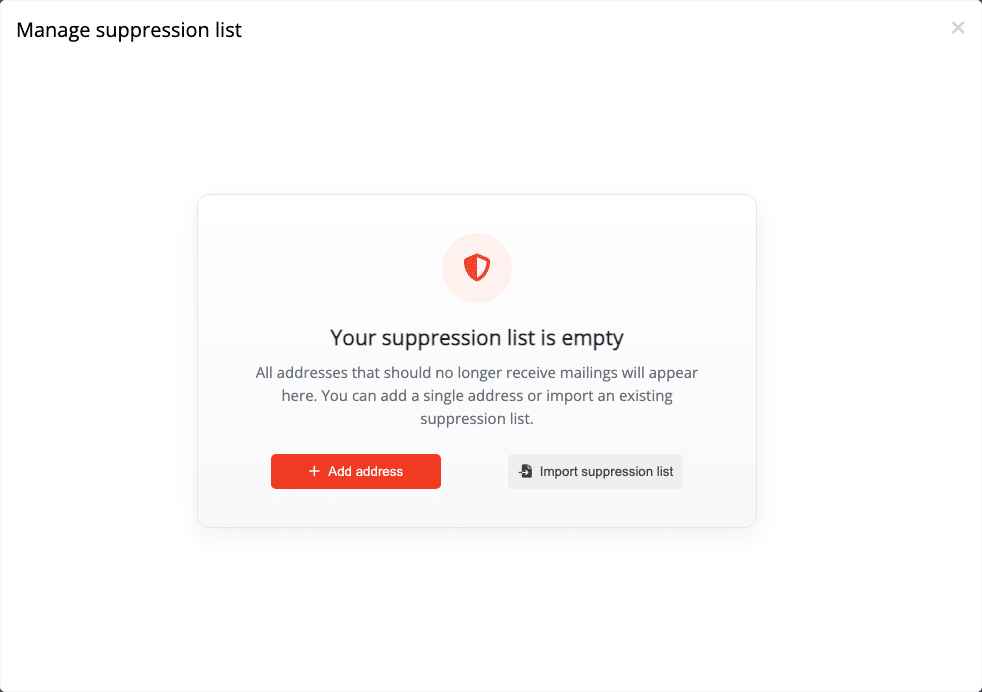
When moving to mailfino, check your existing lists and how they are mapped. Review the suppression list for addresses that are already excluded. Before sending, check that exclusions from your previous system have been accounted for. For new subscribers, double opt-in gives you a confirmation step you can trace.
Decide who will reconcile the signup and suppression records before migration. After importing, inspect the selected audience as a separate check. If you later export and import the list again, carry forward the documented handling of unsubscribed and suppressed addresses.
After the next regular send, use the sending report to investigate failed deliveries and unsubscribes. Checking the original data sources is a separate step. These report entries do not identify addresses as spam traps.
