Newsletter marketing as a team
Keep your team’s newsletters consistent
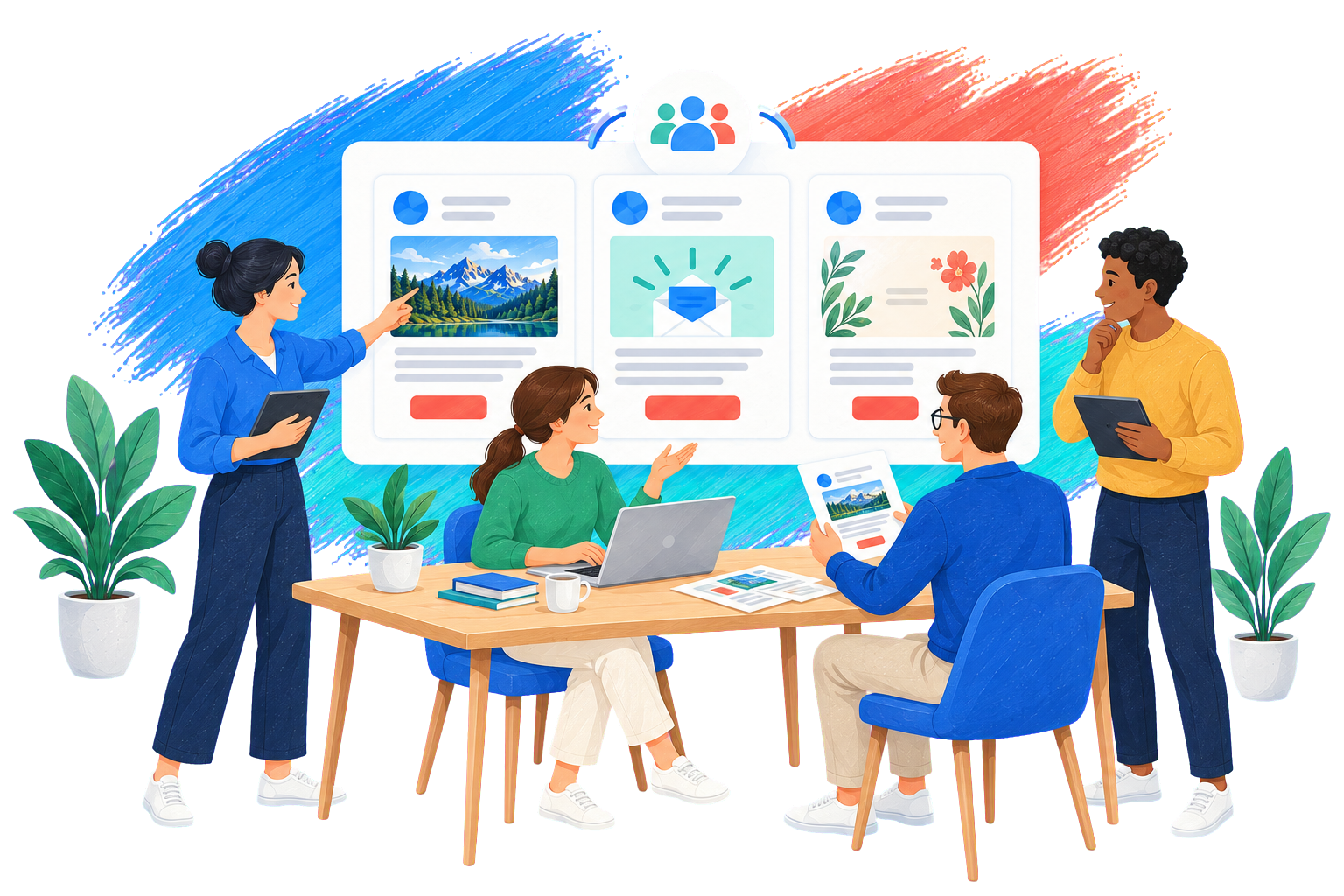
Share templates, drafts, forms and recipient lists with your team. Individual permissions determine which features each person can use.
Share templates and content blocks
Create once. Reuse across your team.
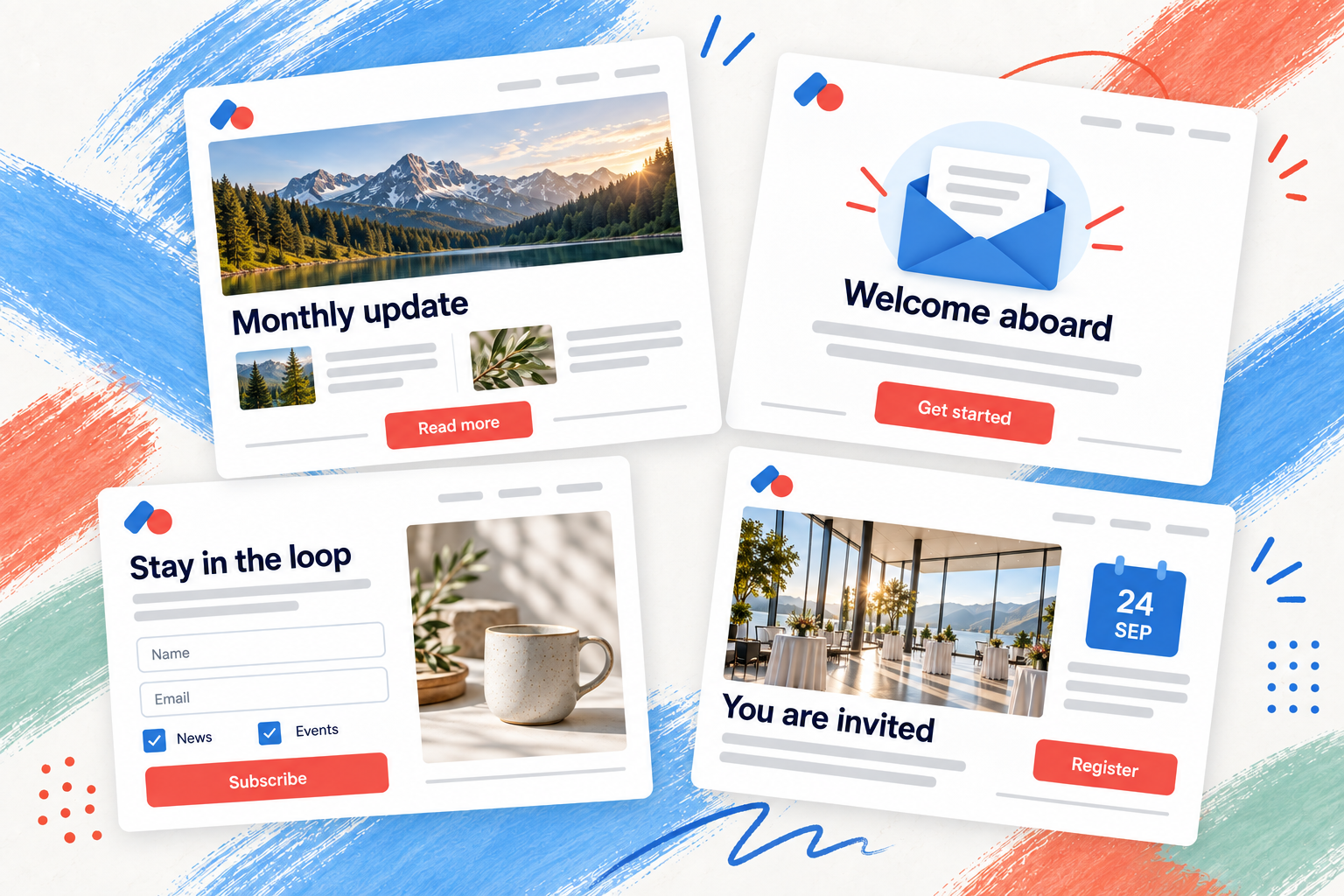
Provide your team with newsletter templates and content blocks. Drafts, forms and recipient lists can also be shared.
Forms and recipient lists
Share forms and lists.
Your team can share more than newsletter content: forms and recipient lists are also available for collaboration. Authorized team members can use existing forms and recipient lists instead of creating them again.
Grant access to specific features
The right access for everyone.
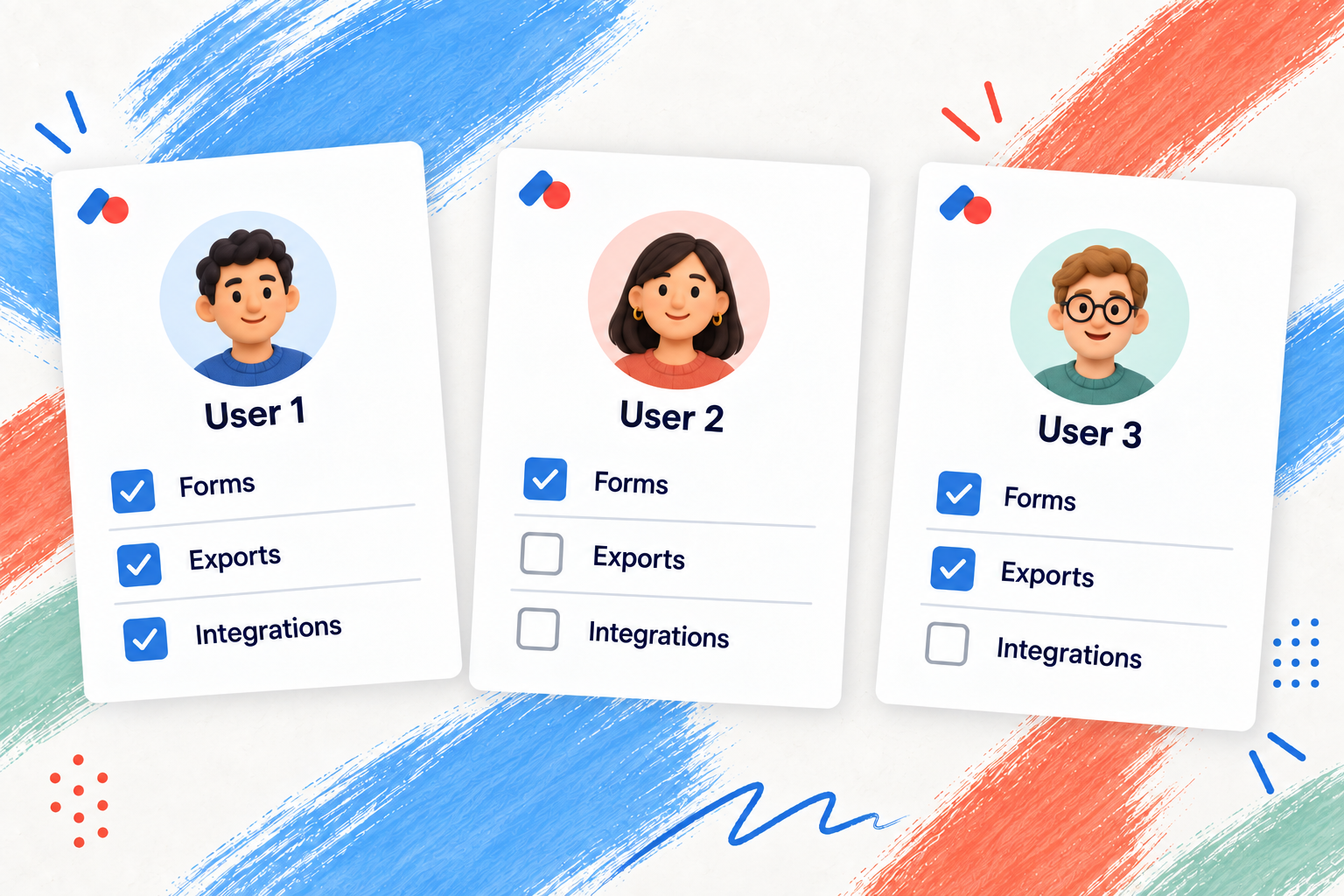
Set permissions individually according to each user's tasks. You decide which options are available in each feature area, such as forms, exports or integrations.
Permissions also control sharing and use of shared templates. Personal templates and drafts can remain private or be made available to the team.
Ready for newsletters as a team?
Frequently asked questions
Questions about teamwork
Can templates and drafts remain private?
Yes. Templates and drafts can be visible only to their owner or to the team. Sharing and accessing shared templates requires the appropriate permissions.
Does using a team template change the original?
No. A template creates a new newsletter draft. Changes to that draft do not change the saved team template. To make your own changes to another user's shared draft, create a copy using “Save as”.
How precisely can permissions be configured?
You set permissions individually for each user and feature area. They do not apply to individual newsletters, forms or recipient lists. Newsletter editing and sending cannot be authorized separately.
