COBRA CRM + MAILFINO
Send professional newsletters to your cobra contacts
Import selected contacts and lists into mailfino, send form sign-ups back and record relevant sending events in your CRM.
- mailfino Cloud
- 15 years of partnership with cobra
- CSA-certified sending

CONNECT YOUR CRM AND NEWSLETTERS
Turn cobra contacts into newsletter audiences
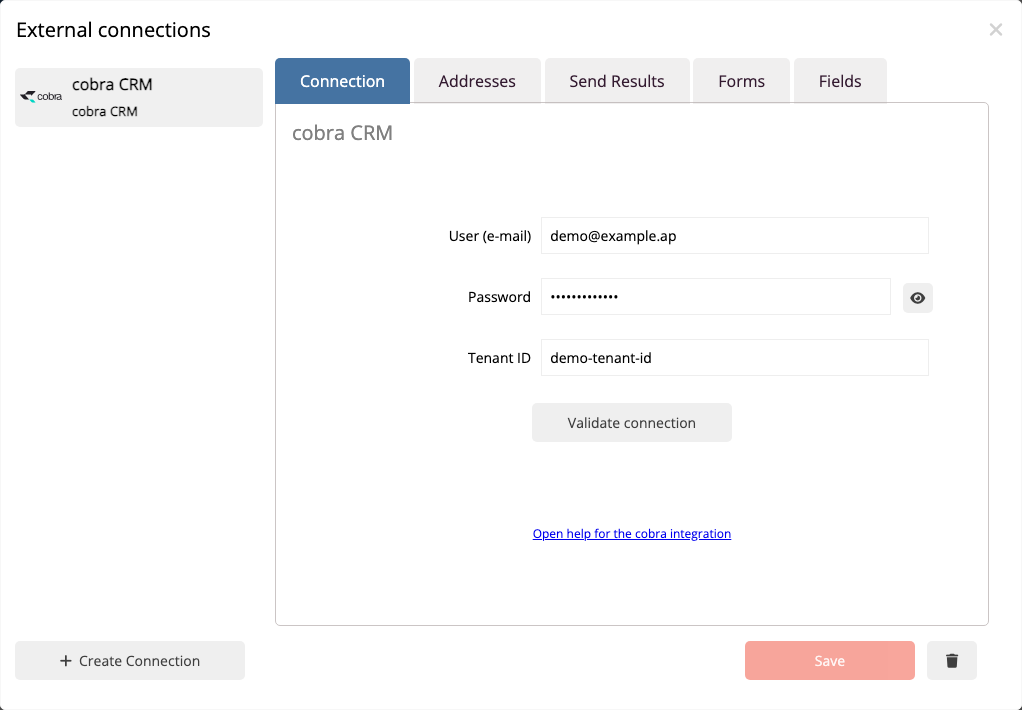
cobra remains the workspace for your contacts and lists. mailfino handles newsletter design, recipient selection, forms, sending and reporting.
- Import selected cobra contacts and lists
- Design and send newsletters in mailfino
- Record delivery and unsubscribe events in cobra
01 · cobra
Select contacts
Choose contacts or existing lists as your source.
→
02 · mailfino
Use your audience
Keep recipients up to date in the designated list.
→
03 · Newsletter
Send content
Design, check and send newsletters through mailfino.
→
04 · cobra
Record results
Document touchpoints in cobra.
CONTACTS AND LISTS
Import audiences without repeatedly transferring files
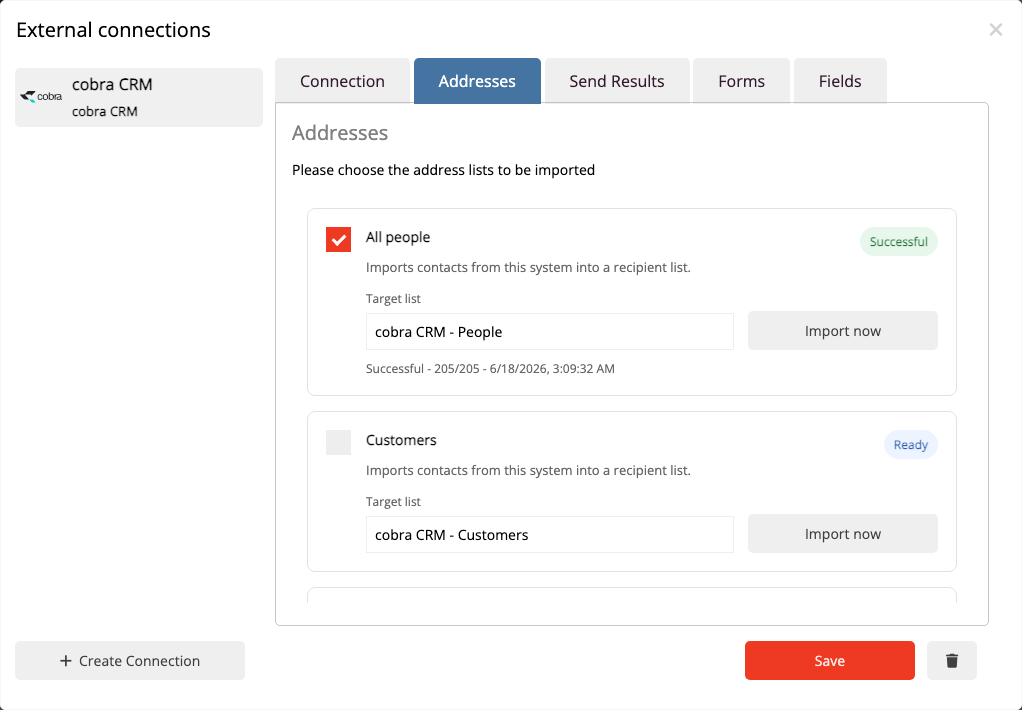
Import all suitable people or selected cobra lists into the appropriate mailfino recipient list.
- Create import profiles for different cobra lists
- Recognize existing contacts by their email address
- Run enabled profiles again to keep them up to date
FORMS AND DOUBLE OPT-IN
Send new sign-ups to cobra
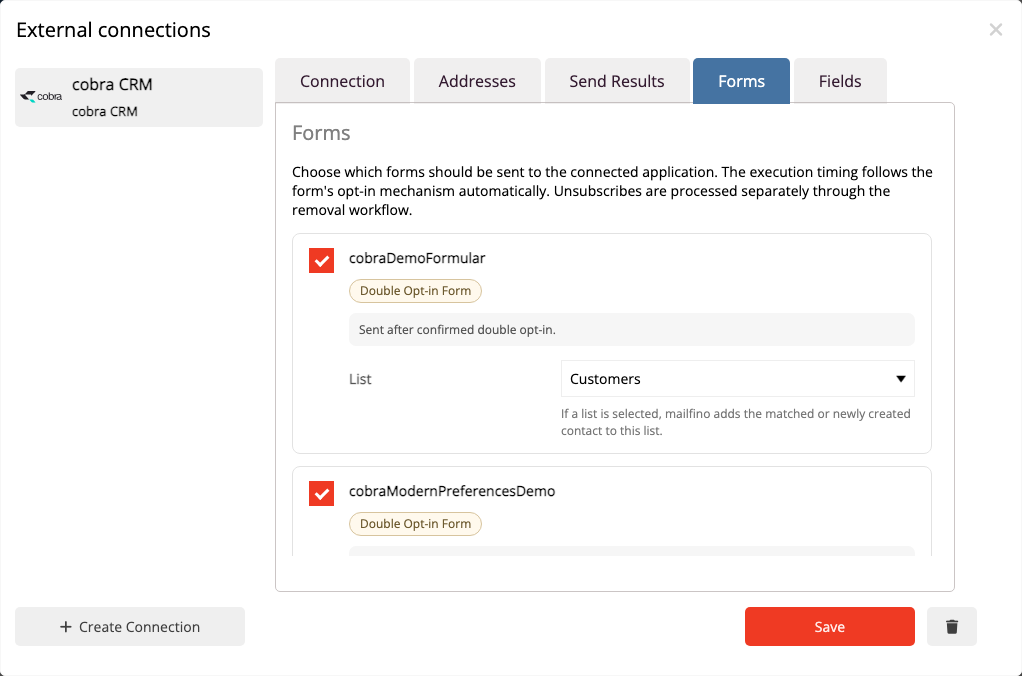
mailfino forms can create or add information to people in cobra. You choose which fields and list actions are transferred.
- Use global or form-specific field mappings
- Assign interests to cobra lists through form checkboxes
- Control transfer according to the selected opt-in stage
DELIVERY EVENTS
See relevant newsletter events directly on the CRM contact
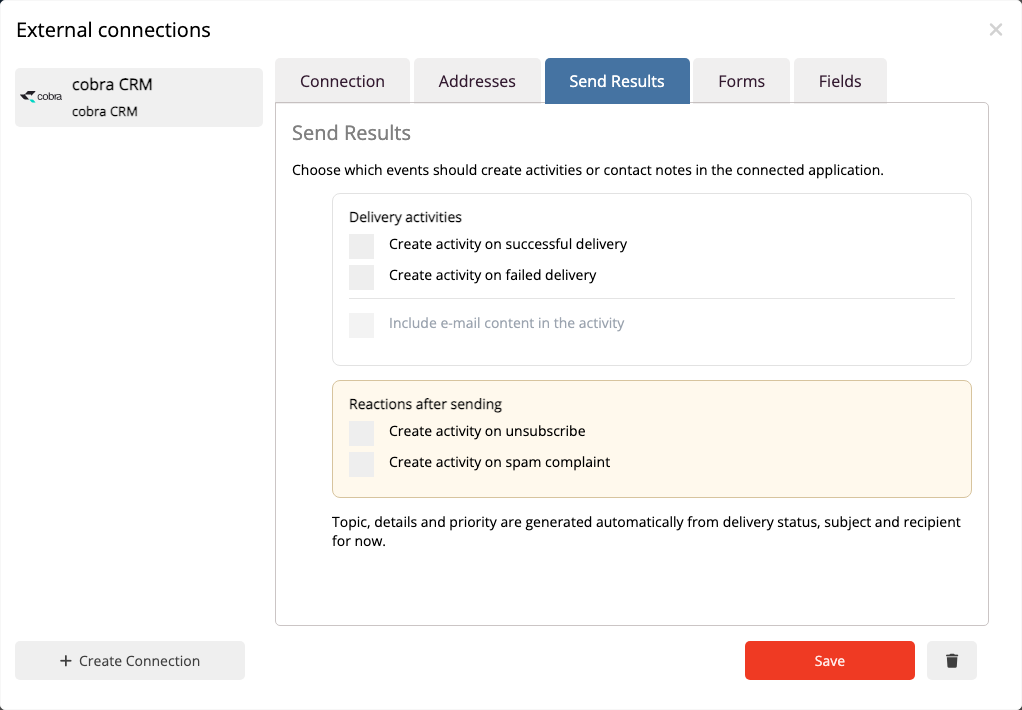
Selected sending events can be recorded as touchpoints in cobra without moving newsletter sending into the CRM.
- Select successful or failed deliveries
- Make unsubscribes and spam complaints visible
- Enable only the events your process needs
FIELDS AND LISTS
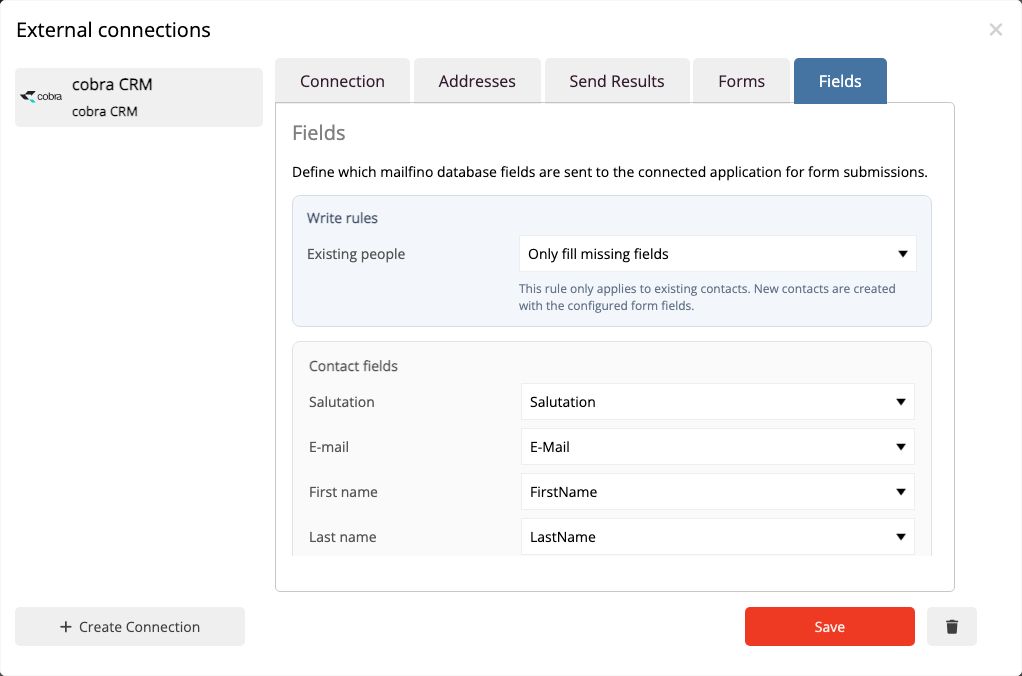
Map data to the right cobra field
Field mapping connects mailfino database fields with the intended cobra fields. Form-specific mappings can supplement the global settings.
Choose exactly which contact information to transfer.
GET TO KNOW MAILFINO
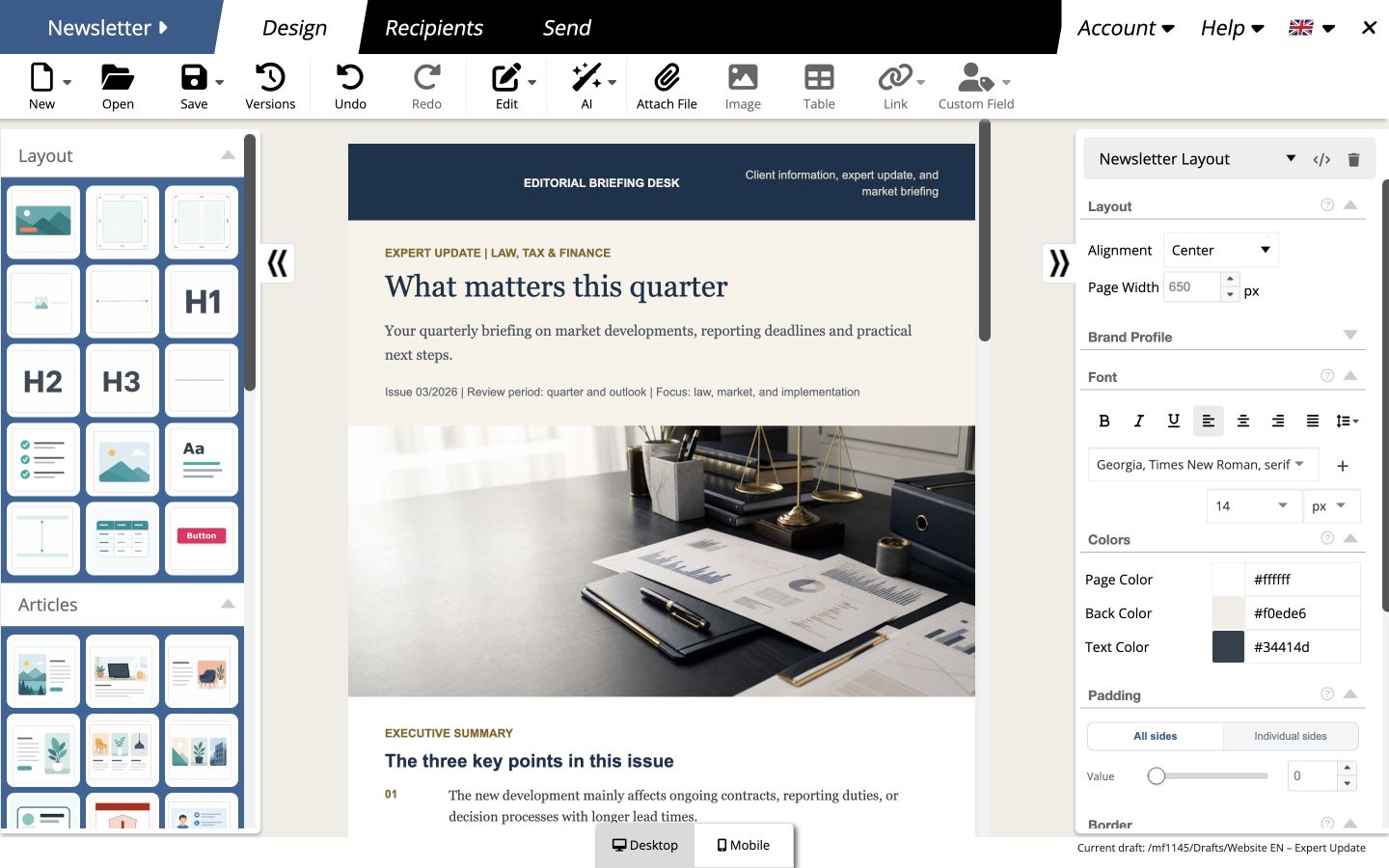
Design, send and evaluate newsletters in one system
The cobra integration provides the right contacts. In mailfino, create your newsletter, manage forms and audiences, and analyze sending results.
- Design newsletters with drag and drop
- Use sign-up forms with double opt-in
- Analyze sending status, responses and errors
ESTABLISHED COLLABORATION
Get started with an established cloud and sending service
mailfino Cloud
Get started directly without running mailfino yourself
mailfino operates the newsletter platform and provides the integration manager for your cobra connection.
cobra partnership
15 years of partnership with cobra
Connecting cobra with newsletter workflows is an established area of integration for mailfino.

CSA-certified sending as a mark of trust for professional email delivery operations.
Ready for newsletters with cobra CRM?
FAQ
Frequently asked questions about the cobra CRM newsletter integration
Which cobra contacts can be imported?
mailfino can use all cobra people with a usable email address or specifically selected cobra lists as import sources.
Can existing cobra lists be used for newsletters?
Yes. An import profile is created for a selected cobra list, with a suitable mailfino recipient list as the destination.
Can forms create or update contacts in cobra?
Yes. Form submissions can be passed to cobra. Field and list mappings determine which information reaches the CRM.
Which sending events can appear as touchpoints?
Depending on the configuration, successful and failed deliveries, unsubscribes and spam complaints can be recorded as contact notes in cobra.
How do I get started with the cobra integration?
The integration is configured in mailfino Cloud through the integration manager. After creating a demo account, you can explore the available areas and prepare the connection.
Open the technical guide to the cobra integration in the manual →
