Glossary Signup and list hygiene
One-click unsubscribe: How it works in the inbox
RFC 8058 one-click unsubscribe lets a supporting mailbox provider request an unsubscribe directly from the inbox over HTTPS.
On this page
On this page
A club sends an autumn programme and a separate volunteer newsletter. A test subscriber receives both. They unsubscribe from the autumn programme using their inbox. The test shows which list is affected and whether the next send honours the request.
Distinguish two ways to unsubscribe
The mailbox provider chooses whether to display the inbox control. It reads the header fields and can request an unsubscribe on behalf of the recipient. The footer link is part of the newsletter content and opens your unsubscribe flow. Test both paths, since they have different requirements.
In this example, the autumn newsletter has a visible unsubscribe link at the bottom. The inbox may also show a control near the sender. Testing the same email in two apps helps distinguish a missing inbox control from a broken footer link. Keep the sender address, list and message the same for the comparison.
Two unsubscribe paths to test
- In the inboxEmail app’s unsubscribe controlThe mailbox provider reads the headers and sends a request.
- In the newsletterFooter linkThe reader opens the visible link in the message content.
A visible footer link remains useful because some email apps do not show an unsubscribe control. Even with correct headers, the recipient service may apply additional criteria. Gmail and Yahoo publish their own policies. Check which messages and senders fall under each provider’s requirements.
Current Gmail sender guidelines
Identify both headers in a test email
RFC 8058 uses an HTTPS URL in List-Unsubscribe and the List-Unsubscribe=One-Click signal in List-Unsubscribe-Post. A valid DKIM signature must cover both fields. After the recipient agrees to unsubscribe, the mailbox provider sends a POST request to the designated URL. An ordinary GET request should not execute the one-click unsubscribe. This prevents automatic URL checks from unsubscribing readers by accident.
Check a received email sent through the normal route. An editor shows the visible newsletter and a preview test may have different headers from a regular send. Read the original headers and record which sending route you tested.
Fields in the original headers
- Unsubscribe destinationList-UnsubscribeContains the HTTPS unsubscribe URL.
- One-click signalList-Unsubscribe-PostThe value is List-Unsubscribe=One-Click.
- SignatureDKIMA valid signature covers both fields.
Open the headers of a received test message. Check that both fields are present and that the DKIM signature covers them. Keep real unsubscribe tokens out of screenshots. This example uses a placeholder for the value the server needs to identify the subscriber and list.
Read the message headers at the recipient
One-click unsubscribe in RFC 8058
Verify unsubscribe and list status in a test
Use an address you control for the autumn newsletter. Open the email app’s unsubscribe control if the app displays one. Check how your sending service recorded the unsubscribe and whether it only applies to the autumn newsletter. Test the footer link with a second address. Compare the two statuses and check that the unsubscribed address is excluded from the next send to that list.
Track both test addresses from the email app to the recipient list. Also check what happens if the same address is imported from another system. The recorded unsubscribe needs to take effect in the next send. Whether it also affects other lists depends on the scope of your unsubscribe flow.
How to check the effect on your lists
- Before the testTwo test listsYour test address appears on both lists.
- UnsubscribeAutumn programmeUnsubscribe from this list only.
- AfterCompare list statusCheck which list the unsubscribe affected.
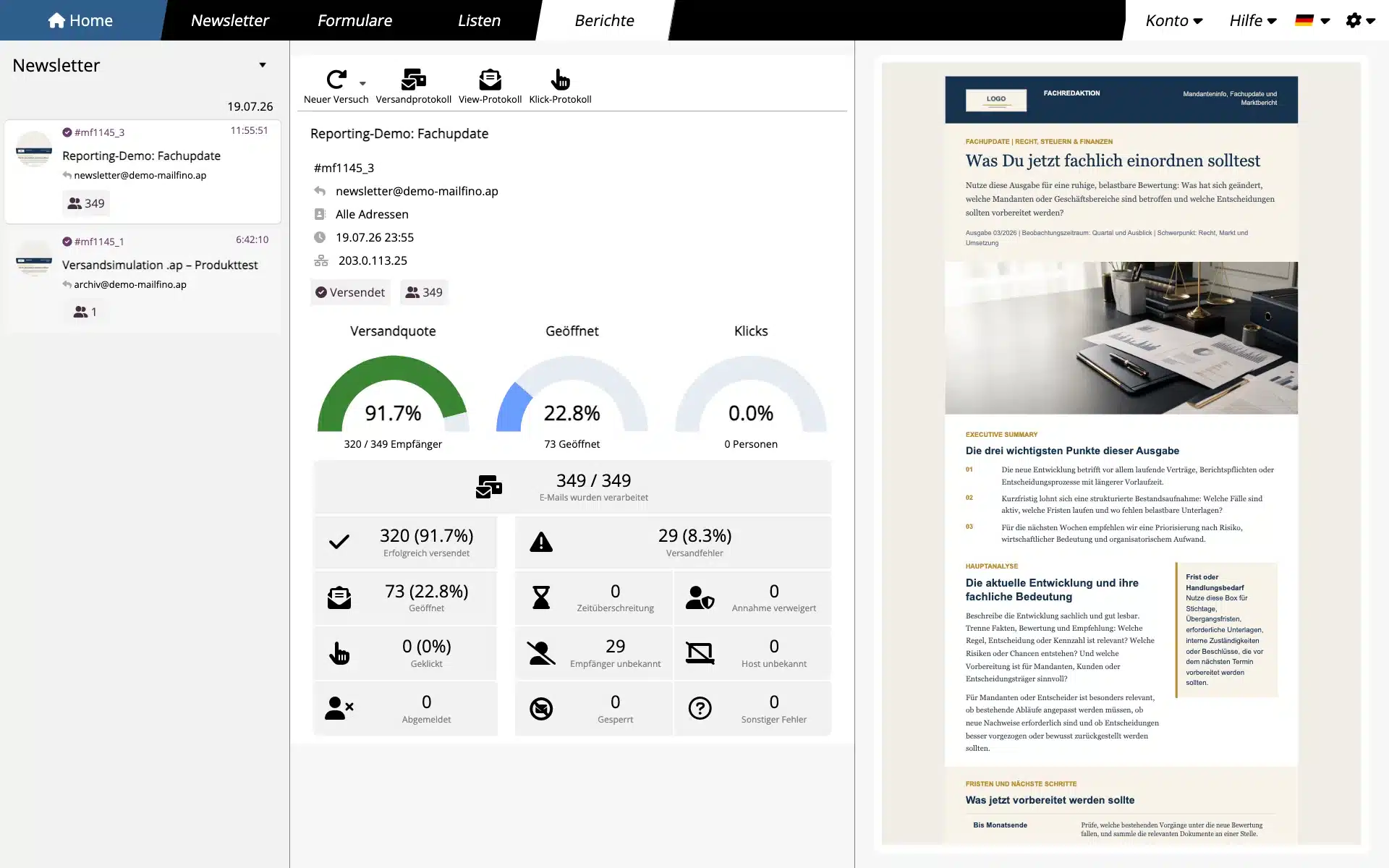
The mailfino sending report shows the unsubscribes recorded for a send. Use a received test message to check the headers. The count in the report does not establish whether a request came through the footer link or the inbox control.