Glossary Reporting
What does an email open rate tell you?
The open rate shows the share of delivered newsletters with at least one recorded open.

On this page
On this page
The spring programme newsletter reached 1,000 recipients. At least one open was recorded for 300 of them. You can use this figure to compare similar sends.
Calculating open rate from unique opens
Divide the number of recipients with at least one recorded open by the number of delivered emails. Multiply the result by 100. If the same report shows 420 total opens, that includes 120 additional opens. Each recipient counts once towards the rate.
Each recipient counts once towards the open rate
- Opening rate30 %300 unique opens out of 1,000 delivered emails300 ÷ 1,000 × 100
- 420 recorded opens in total
- 300 unique opens
- 120 additional opens
What open tracking measures
An HTML newsletter can include a small tracking image. When it is fetched, the system can record an open. The signal depends on how the email app handles external images.
- Automatic image fetchAn open may be countedThe email app loads the image in the background.
- External images blockedAn open may be missingThe message can still be read.
Apple Mail Privacy Protection can fetch images in the background. Conversely, someone can read the message while external images are blocked. If no opens are recorded, first check the tracking setting and test it with your own message.
Apple erklärt den E-Mail-DatenschutzApple explains Mail Privacy Protection
Comparing open rates meaningfully
Compare the spring programme with a newsletter sent to a similar audience. Use the same tracking settings and check the reports the same number of days after sending. A different mix of email apps that fetch images automatically can affect the comparison.
If the goal is signups, look at the open rate alongside the click rate. Then check how many people sign up on the landing page.
If the open rate falls, check the audience, delivery and tracking first. Then compare the subject line and preheader with an earlier newsletter on the same topic. An A/B testing helps you assess a change across two equally sized, comparable groups. Assess both groups the same number of days after sending.
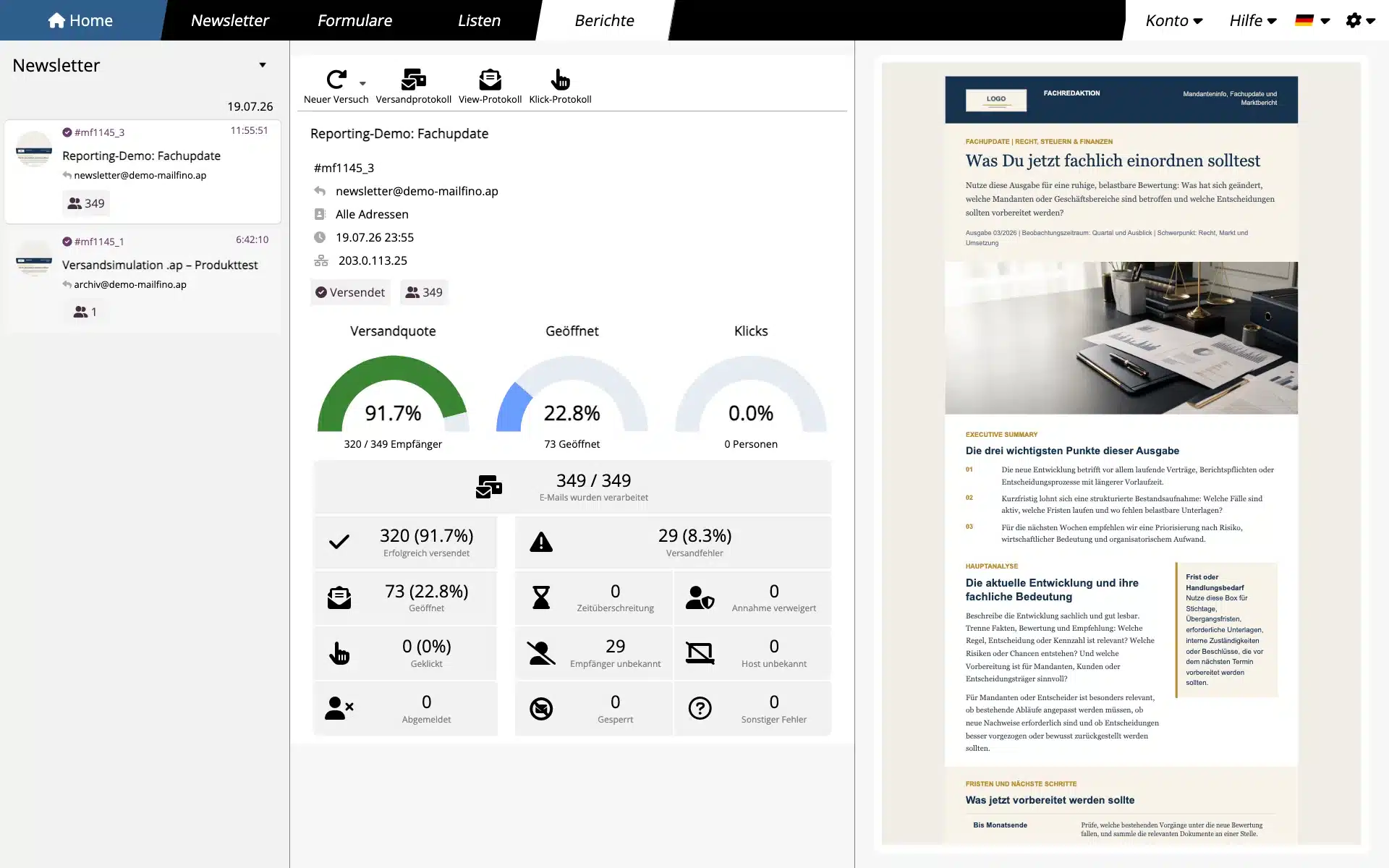
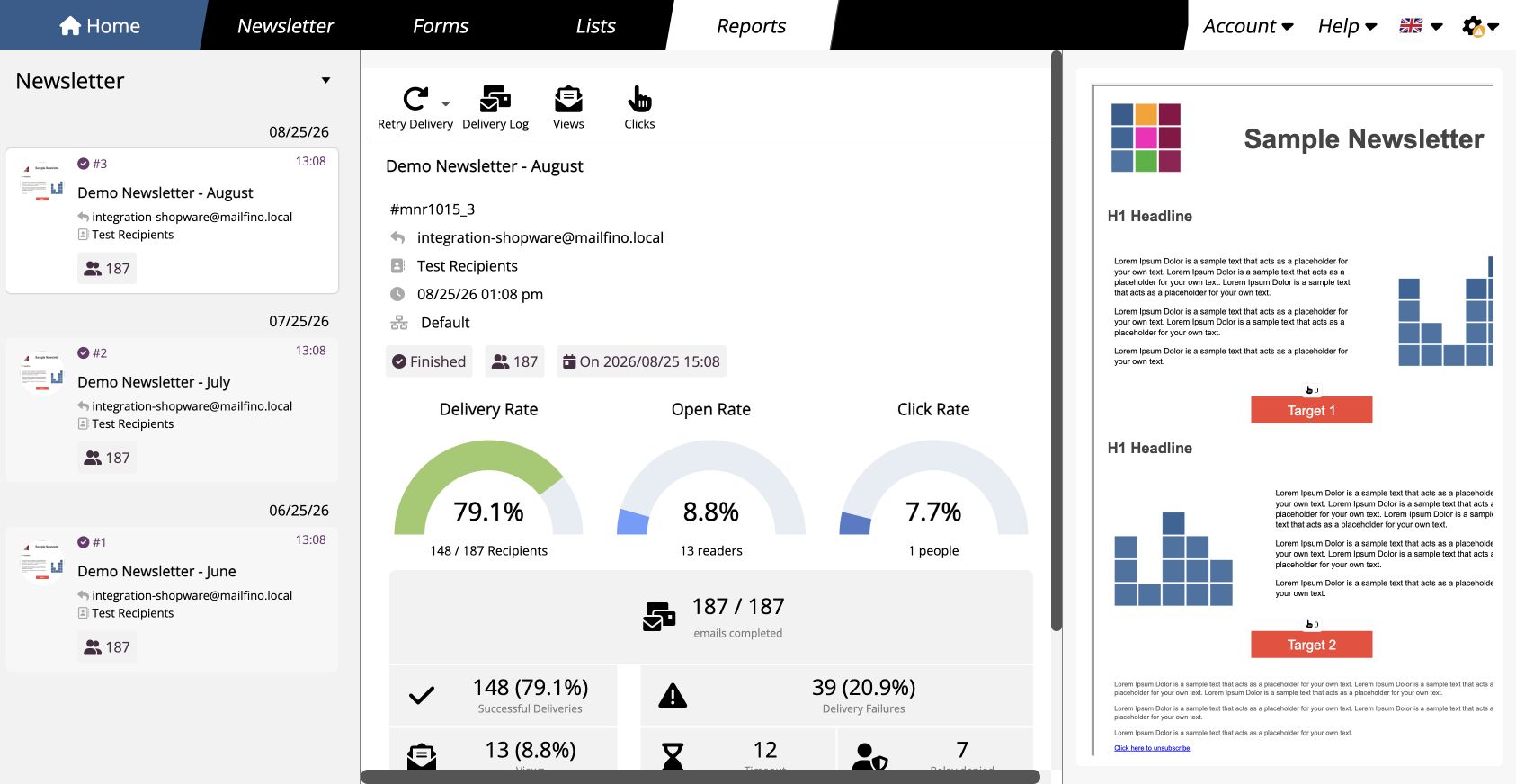
Open rate in the mailfino sending report
When opens are tracked, the sending report shows the rate and the open analysis shows unique and total counts. The following product examples use separate demo data.