Newsletter editor
Design and send email newsletters with ease
Design newsletters for desktop and mobile with drag and drop — in your company's style, with no HTML knowledge required.

From first draft to finished newsletter
Build your newsletter, step by step
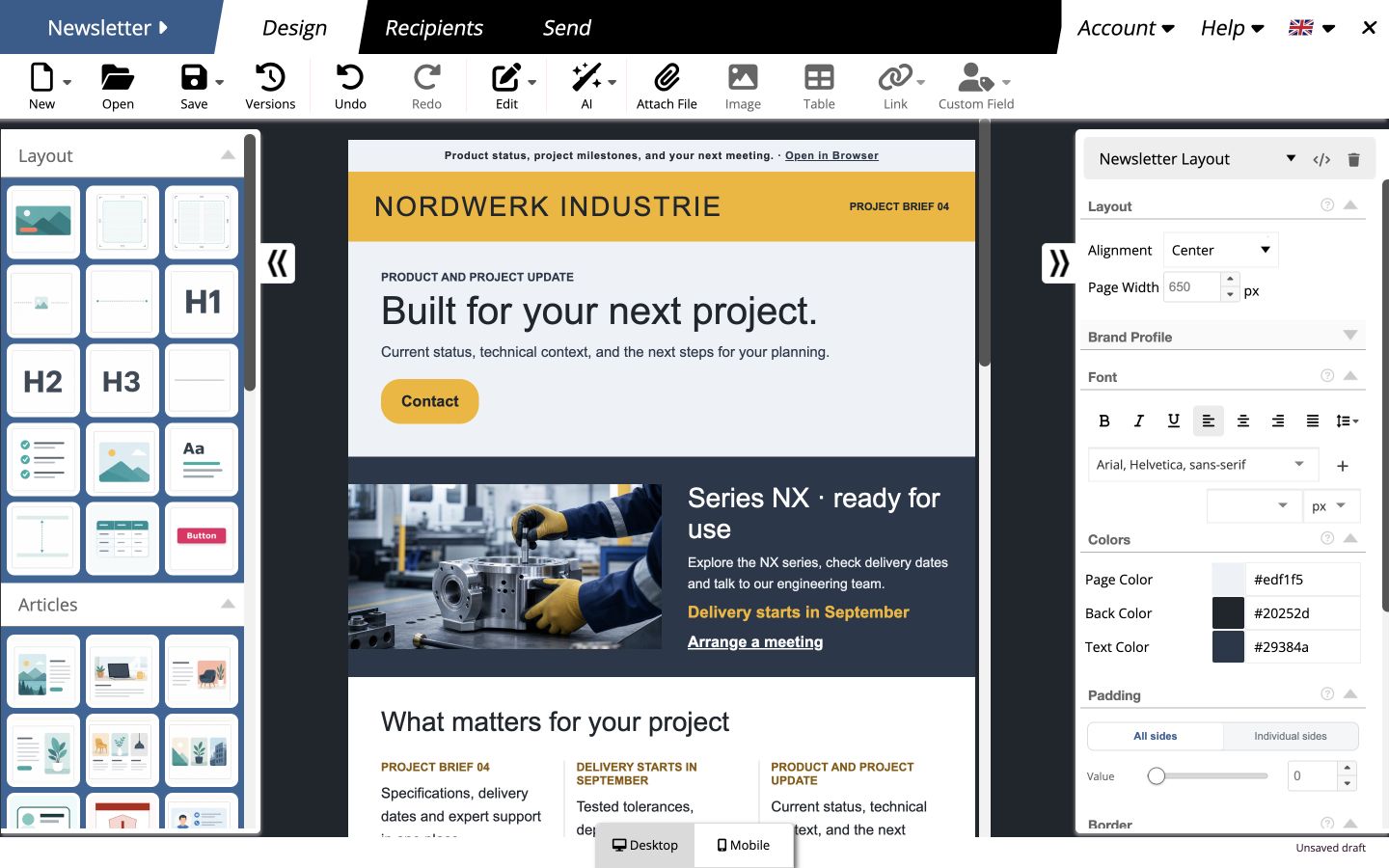
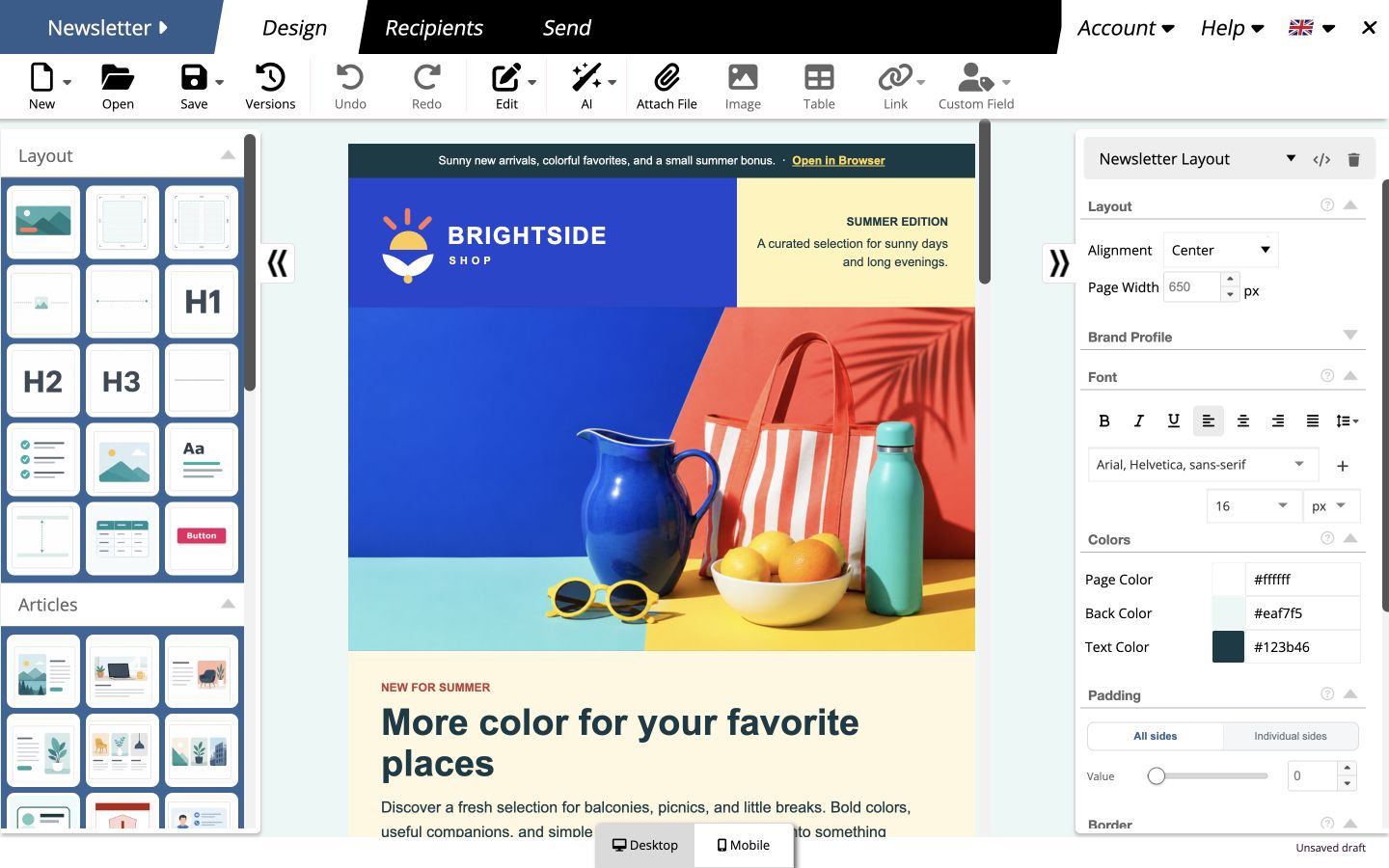
Design newsletters with simple drag and drop
Combine text, images and buttons in your newsletter and adjust colors, fonts and spacing directly. Reuse elements you have already designed whenever you need them — and create your next newsletter even faster.
Get started faster in your own style
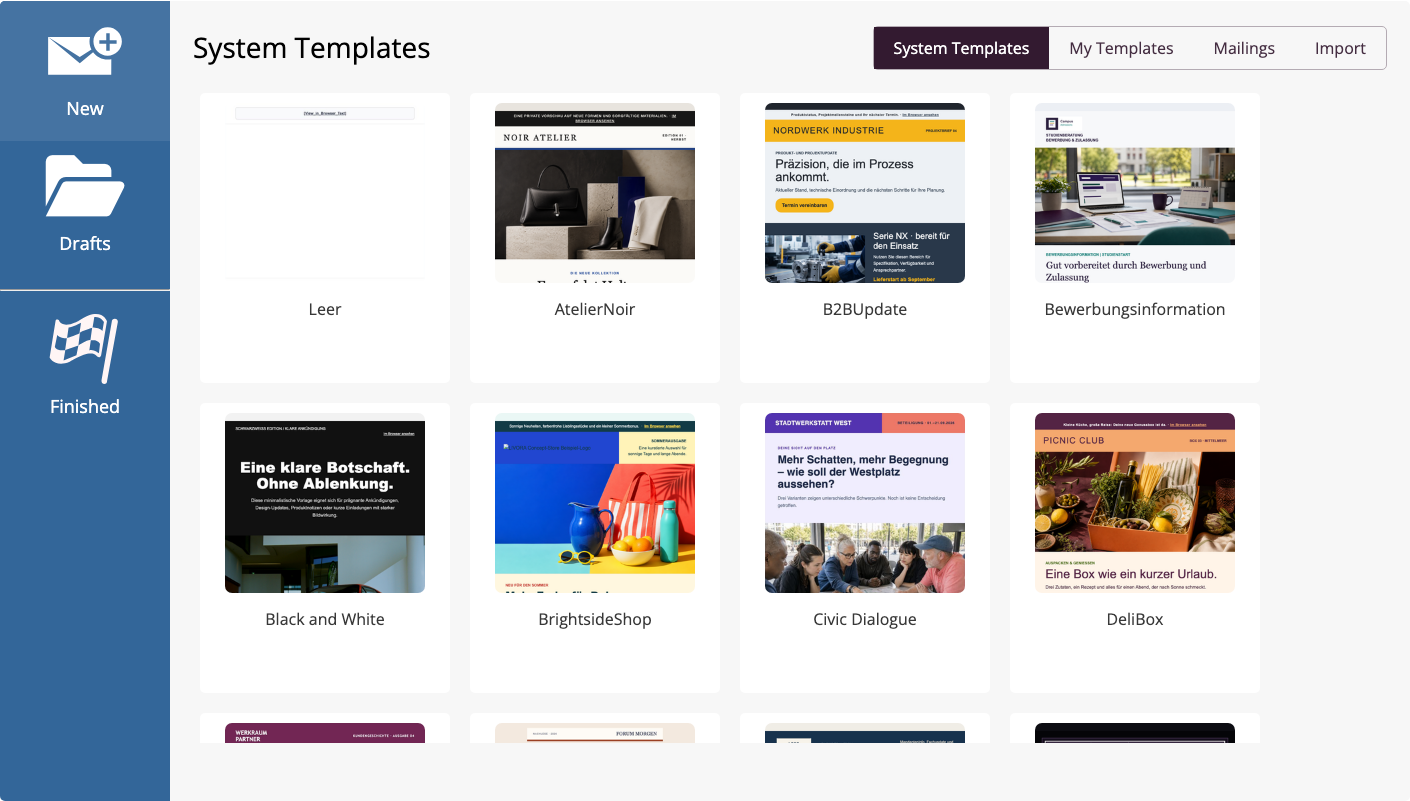
Templates that match your brand
With mailfino Brand Profiles, automatically adapt over 80 templates to your company's design. Your logo, colors and formatting are taken directly from your website — for newsletters with a recognizable look.
- Over 80 templates for different occasions
- Save and reuse your own templates and content blocks
MAKE MORE OF YOUR CONTENT
Edit content with ease
Edit images, add links and attachments, and address contacts personally using personalization fields. Optional AI features help with text, translations and images.
- Crop, resize and rotate images, and add alternative text
- Link to websites, forms, files, calendar events and system links
- Generate, improve or translate text, and create images with AI
Design newsletters for desktop and mobile
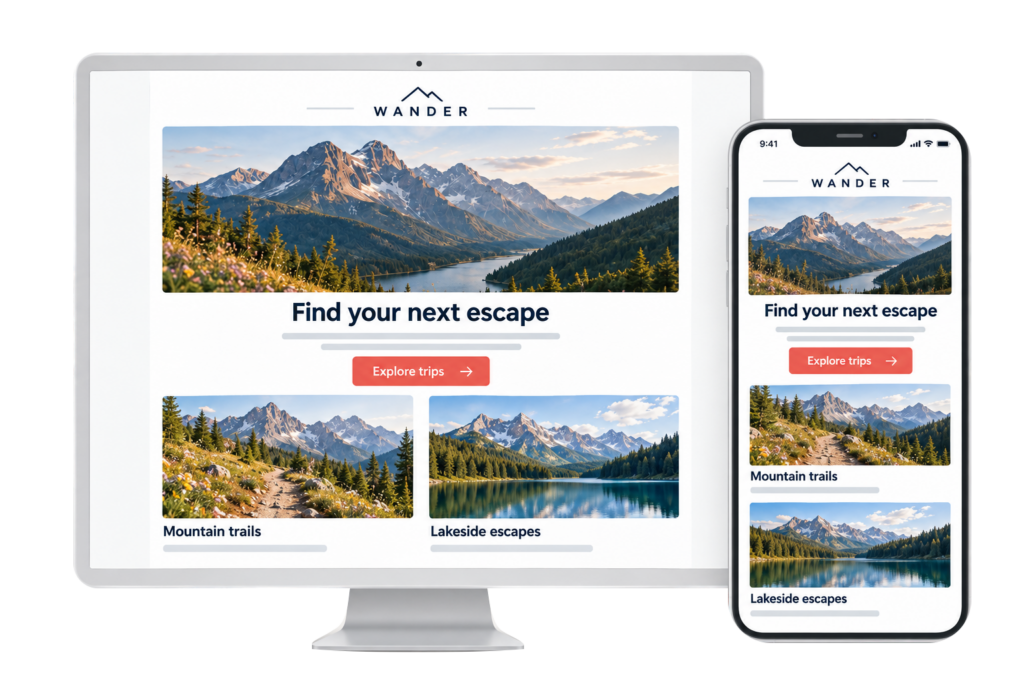
Look good on every screen
Your newsletter automatically adapts to mobile devices. Fine-tune the mobile layout when needed — from font sizes and spacing to the arrangement of your content.
- Adjust fonts, images, buttons and spacing for mobile devices
- Stack columns and change their order
- Display individual elements only on desktop or mobile devices
READY-MADE BLOCKS FOR YOUR IDEAS
Finish your newsletter faster
Use ready-made blocks for articles, events and product offers. Adapt the content and design to your newsletter instead of building every section from scratch.
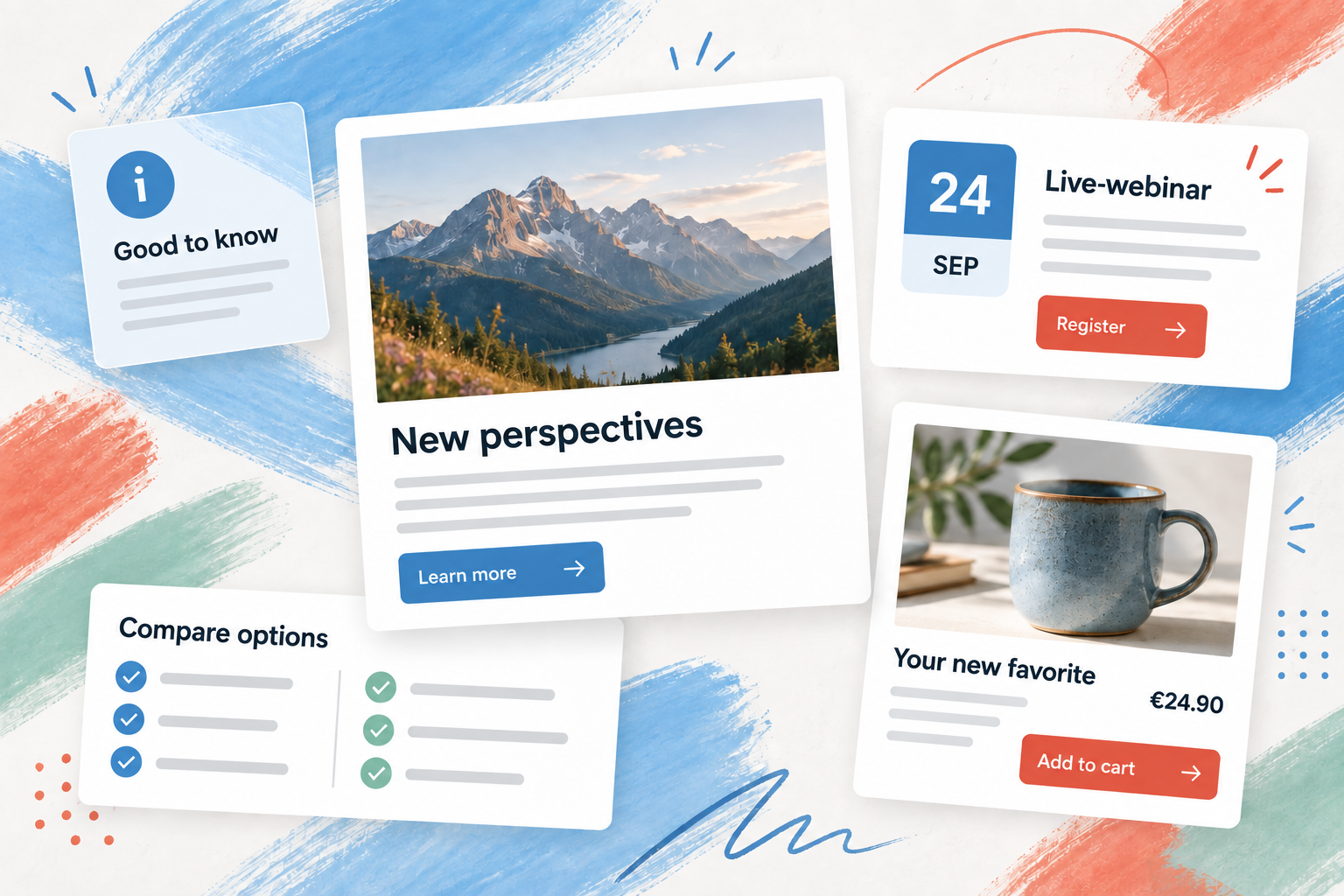
Insert and customize
Combine image-and-text sections, information boxes, event blocks and comparisons with your own content.
Make navigation easier
For longer newsletters, automatically create a navigable table of contents from your headings.
Add shop products
Bring product data from supported shops directly into your newsletter and design relevant offers.
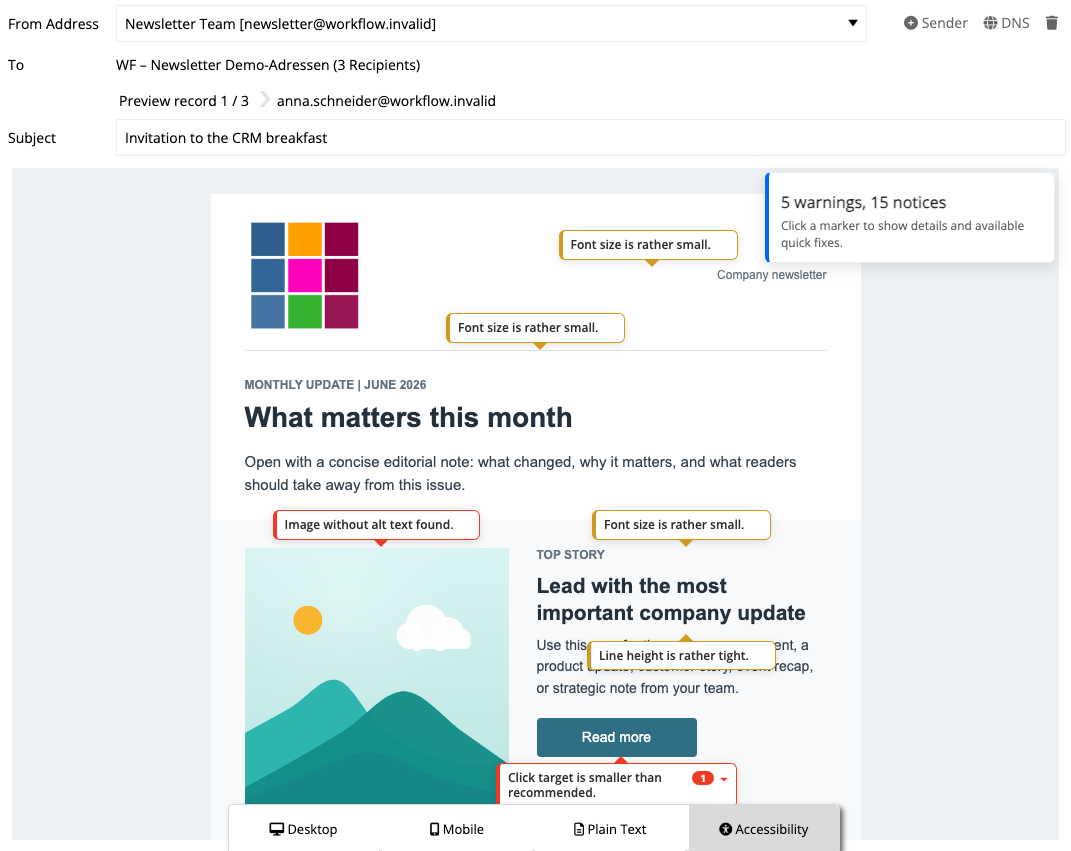
Before you send
Send with confidence
Check personalization, appearance and key aspects of accessibility with personalized previews, test emails and the integrated quality check.
Personalized preview
View greetings, content and links from the perspective of selected contacts.
Test email in your own inbox
Send yourself a test email and check how it looks in your email application.
Improve accessibility
The quality check highlights missing alternative text, small fonts, tight line spacing and clickable areas that are too small.
Ready for your first newsletter?
Frequently asked questions
Questions about the newsletter editor
Do I need to know HTML?
No. You can build newsletters using elements and drag and drop. HTML import and editing are also available for existing content or content created with custom HTML.
Can I reuse my own templates and elements?
Yes. You can save complete drafts as templates and individual sections as your own elements. Depending on your account structure, you can also use team templates.
Can I customize the mobile layout separately?
Yes. Desktop settings are used initially. You can then define mobile-specific settings, stack columns, change their order and show elements only on desktop or mobile devices.
Are the AI features required?
No. mailfino can run entirely without AI. If the feature is configured for your installation, it can help with text drafts, improvements, translations and image generation.
Can I test the newsletter before sending it?
Yes. Check personalized content in desktop, mobile and plain-text views, run the accessibility check and send a test email to a suitable address.
How do I add contacts to my newsletter?
You can import, edit and group contacts into audiences in contact management . New sign-ups can be added after confirmation through forms with double opt-in .
