SUITECRM + MAILFINO
Professional newsletters for your SuiteCRM contacts
Import Contacts or Target Lists into mailfino. Design and send newsletters, transfer form data and record delivery, unsubscribe and complaint events as Notes.
- Import contacts and audiences directly
- Visual newsletters and mobile design
- Forms and CRM notes

SUITECRM REMAINS YOUR CONTACT DATABASE
When mailfino complements SuiteCRM
SuiteCRM already provides campaigns, mass email, target lists, opt-out and statistics. Add mailfino when your team wants a dedicated visual editor, mobile layout controls, forms, sending and reporting for newsletters.
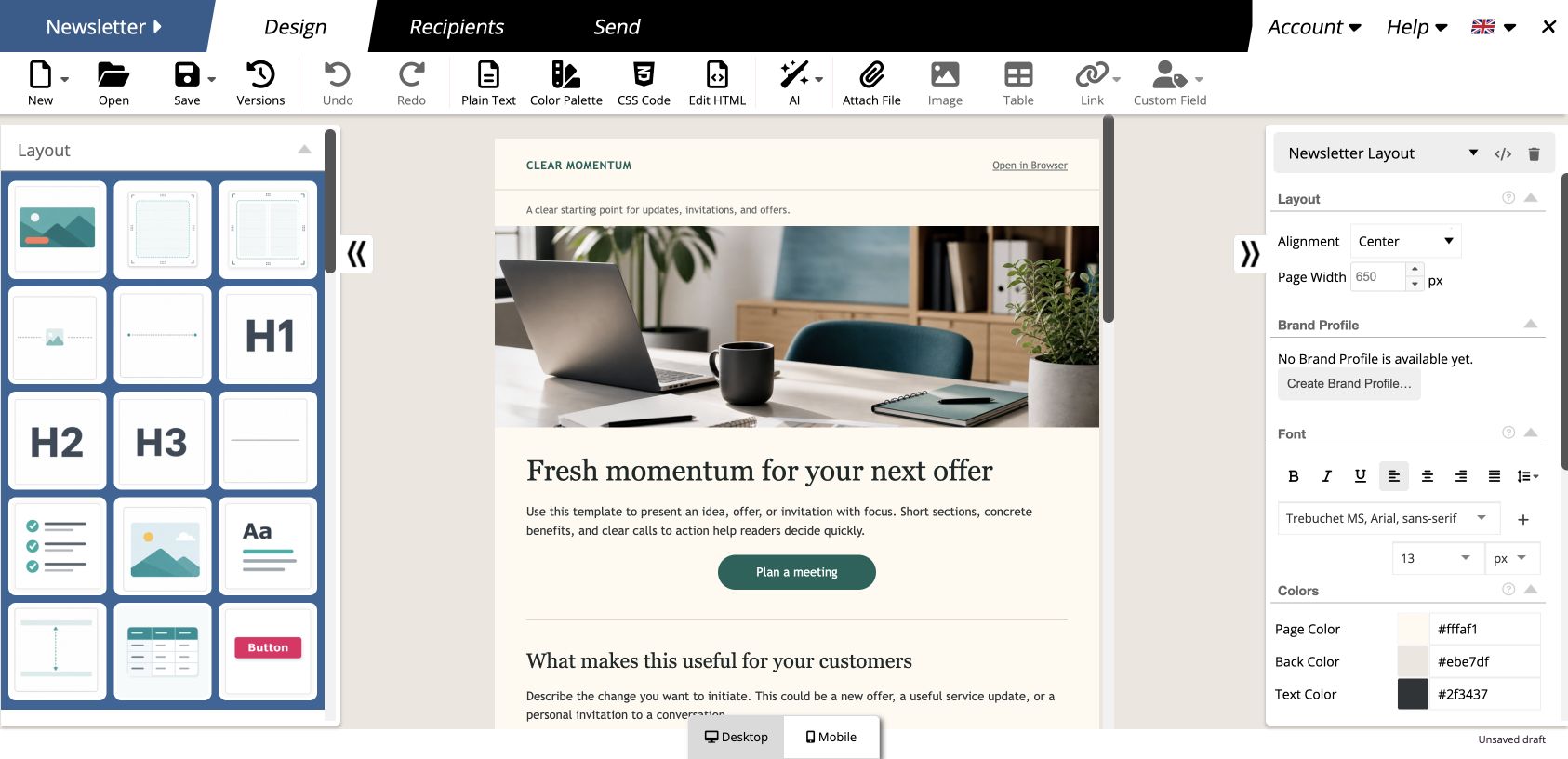
- Design newsletters visually with drag and drop
- Customize desktop and mobile views
- Connect forms, sending and reporting in one newsletter process
Clear responsibilities: SuiteCRM organizes contacts and audiences. mailfino handles design, newsletter sending and reporting.
CONTACTS AND TARGET LISTS
Use SuiteCRM audiences without repeatedly transferring files
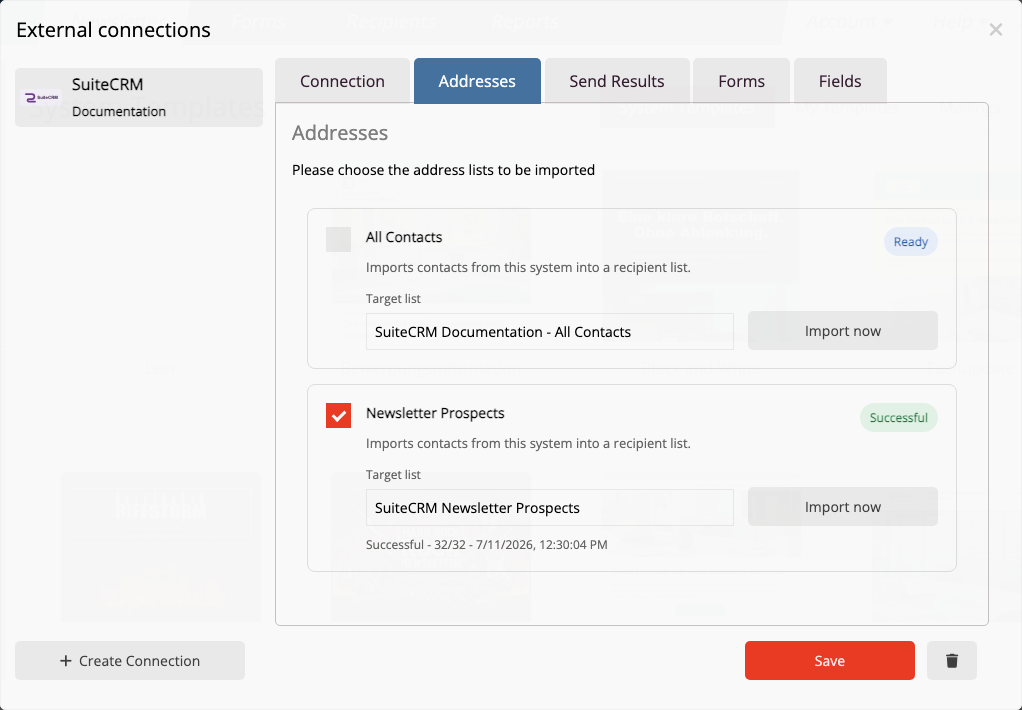
Import all Contacts accessible to the API user, or choose an existing Target List as a defined newsletter audience.
- Map email, name, company, job title, phone number and address
- Select target lists as reusable import sources
- Recognize contacts by their SuiteCRM ID when importing again
01 · SUITECRM
Organize your audience
Maintain Contacts and group them in Target Lists for repeated selection.
02 · MAILFINO
Import recipients
Assign the selected source to a mailfino list and import the fields you need.
03 · NEWSLETTER
Design and send
Create content, check its mobile appearance, send and analyze the results.
FORMS AND FIELD MAPPING
Update SuiteCRM contacts and interests from your forms
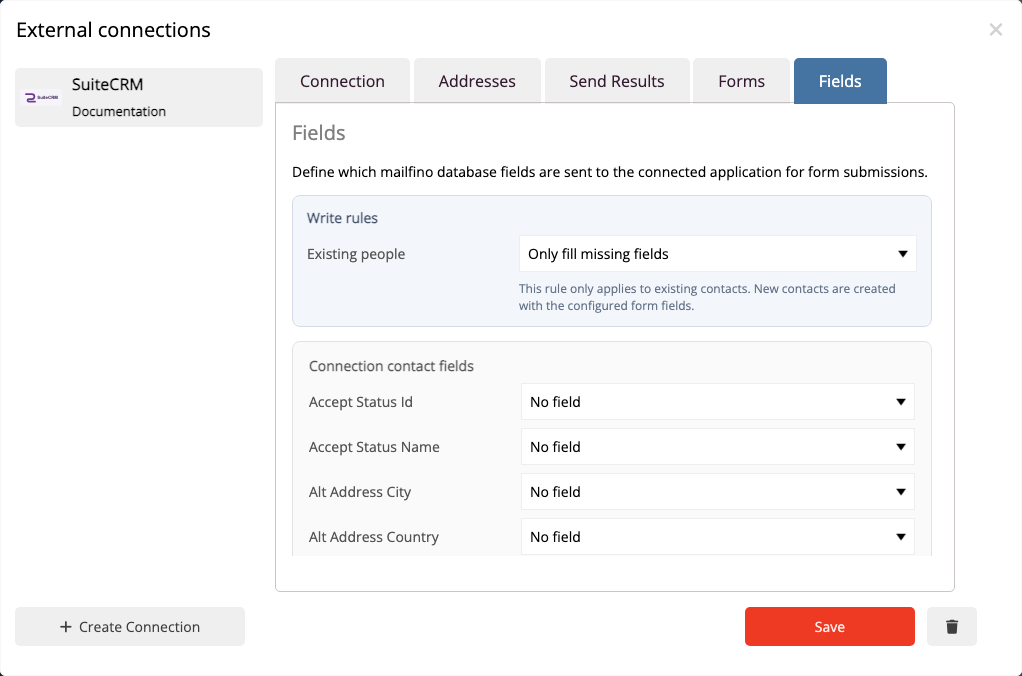
mailfino forms can create or update Contacts. You choose which form fields map to writable SuiteCRM fields and whether to add a Target List relationship.
- Identify existing contacts by an exact email address
- Create a new contact when there is no match
- Safely flag multiple matches for review
Important: Contact data is transferred; mailfino manages sending permissions, unsubscribes and suppressions.
NEWSLETTER CONTEXT IN YOUR CRM
Record newsletter events as contact Notes
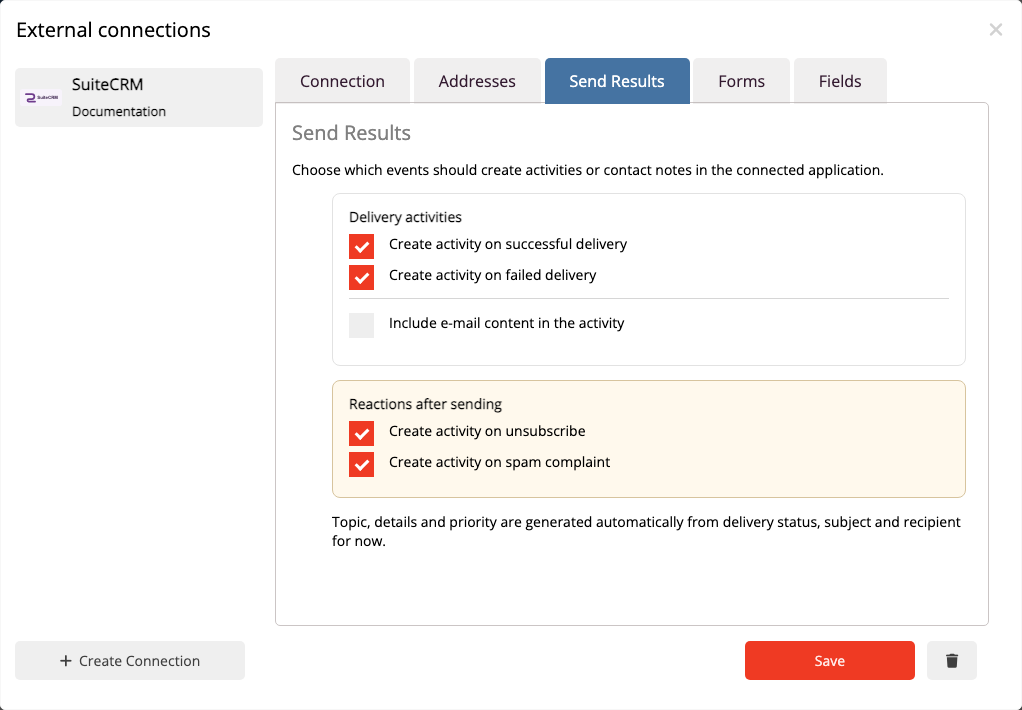
Selected events appear as Notes on the linked Contact. Sales and service teams receive relevant newsletter context directly in SuiteCRM.
- Record successful and failed deliveries
- Make unsubscribes and complaints visible
- Keep repeated events from creating duplicate Notes
Manage suppression lists and unsubscribes in mailfino.
API V8 AND OAUTH2
Limit access to the CRM data you need
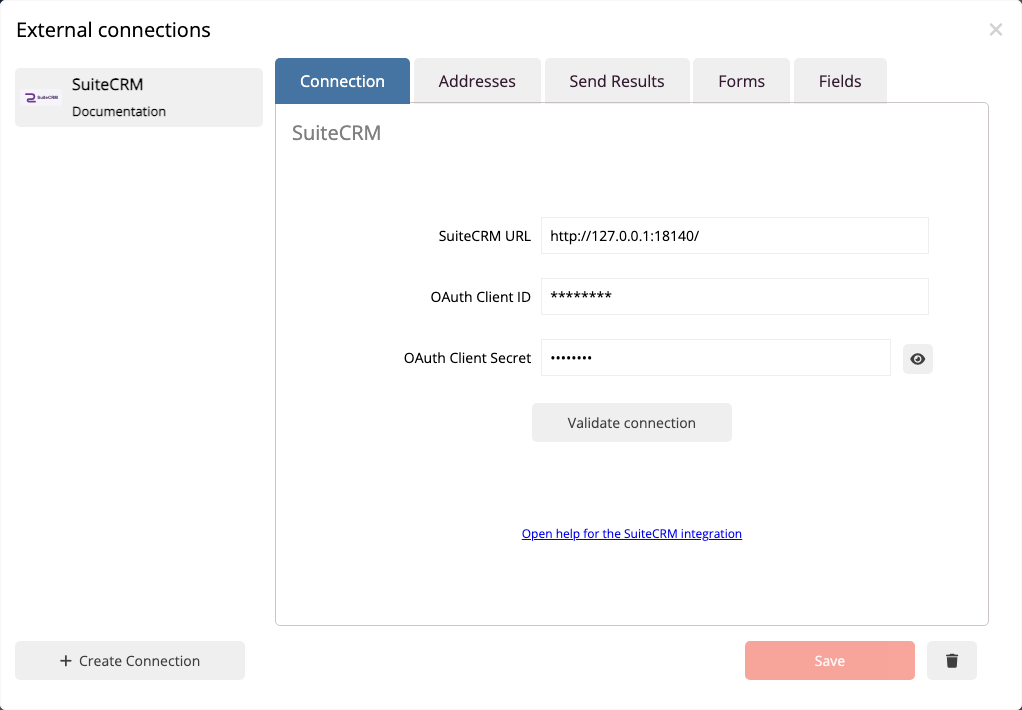
mailfino connects to SuiteCRM installations with an accessible API V8 and authenticates using OAuth2 Client Credentials. The user's role determines which Contacts, Target Lists and Notes can be read or written.
- Check the connection and accessible API before saving
- Separate read and write permissions by process
- Revoke client access in SuiteCRM when needed
View setup instructions in the manual
Choose deployment to fit your SuiteCRM installation: The integration is available with mailfino Cloud, self-hosted deployments and Enterprise. Your newsletter process can follow your deployment and data strategy too.
Ready for newsletters with SuiteCRM?
FAQ
Questions about the SuiteCRM newsletter integration
Can SuiteCRM send newsletters itself?
Yes. SuiteCRM supports campaigns, mass email, newsletter campaigns, Target Lists, opt-out, tracking and statistics. mailfino is useful when design, mobile optimization, forms, sending and reporting should be handled as a specialist newsletter process.
When is it worth using mailfino alongside SuiteCRM?
When your team wants to design newsletters in a specialist visual editor, customize the mobile view and use forms, sending and reporting in a connected newsletter process.
Can I self-host mailfino alongside SuiteCRM?
Yes. The SuiteCRM integration can be used with mailfino Cloud, self-hosted deployments and Enterprise. This lets your newsletter process follow the deployment and data strategy of your SuiteCRM environment.
Which contacts can mailfino import?
All Contacts accessible to the API user or a single visible Target List are available as sources.
How are contacts matched when importing again?
mailfino stores the SuiteCRM Contact ID as a remote key. The same CRM record is recognized and updated on repeat imports; contacts removed from SuiteCRM are not automatically deleted from mailfino.
Are changes automatically imported from SuiteCRM?
No. The integration does not currently receive SuiteCRM webhooks. Changes are imported through an import or repeat import; contacts deleted in SuiteCRM are not automatically removed from mailfino.
What happens when a form is submitted?
If exactly one email match is found, it is updated. If no match is found, a new Contact is created. Multiple matches are flagged for review. The Contact can optionally be assigned to a Target List.
Which events appear as Notes?
Successful and failed deliveries, unsubscribes and complaints are supported. A stable marker prevents duplicate Notes when an event is repeated.
Which SuiteCRM version is supported?
The deciding factor is an accessible SuiteCRM API V8 rather than a blanket version number. mailfino checks the specific connection before saving; setup details are in the current manual.
What is needed for the connection?
You need an accessible SuiteCRM API V8, OAuth2 Client Credentials and an appropriate user role. The permissions required depend on whether you only import or also use forms and Notes.
